Your notes go way beyond plain text with MediaNote
The ultimate Android app uniting photos, voice memos, videos, interactive checklists, Google Maps markers, and PIN-locked secret folders. Synchronize with Google Drive and work 100% offline.
Everything you need to organize your life in one single app
No more juggling between a text notepad, a separate voice recorder, and a gallery locker. MediaNote brings all your daily productivity tools together seamlessly.
All-in-One Multimedia Notes
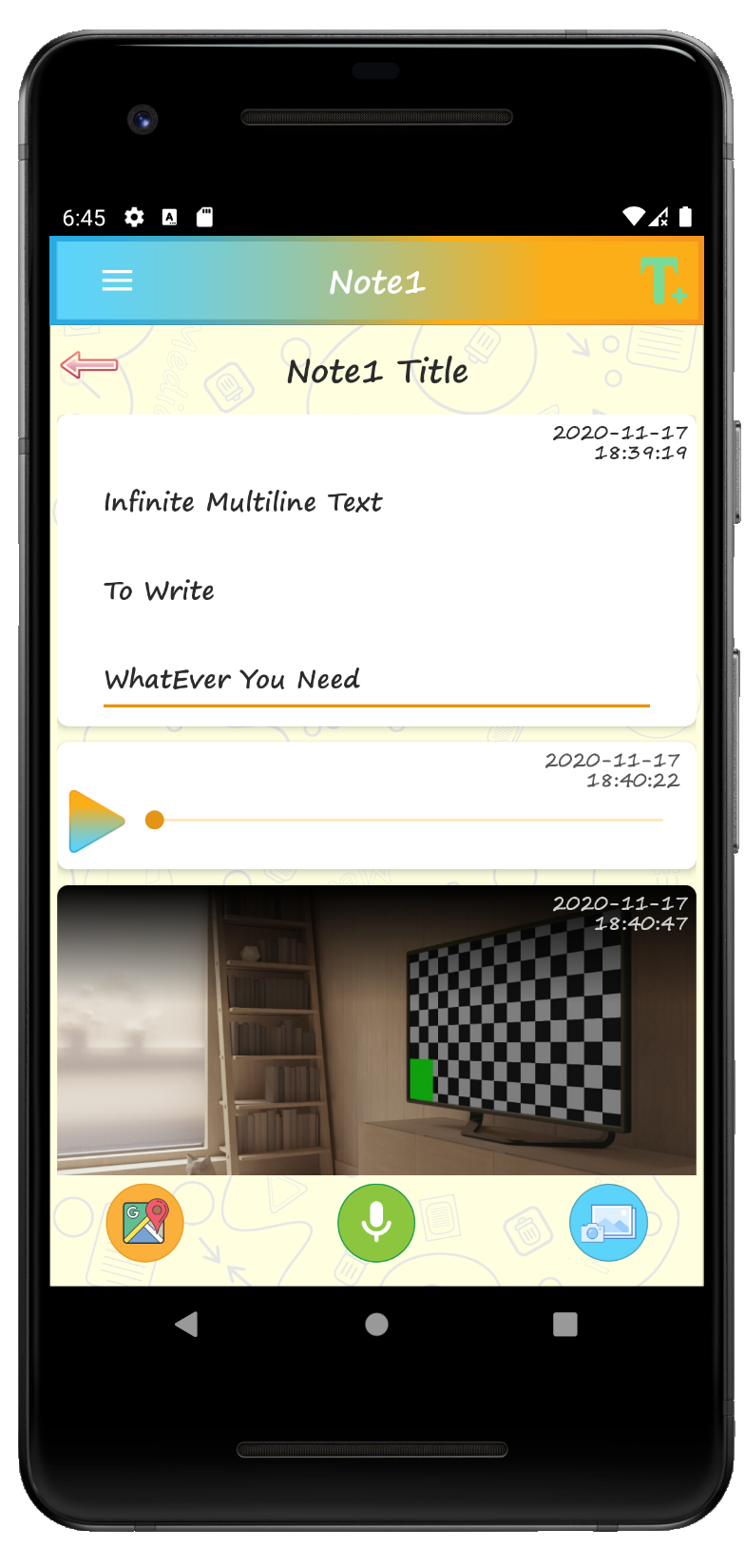
Create dynamic notes combining formatted text, high-resolution camera photos or gallery images, and smooth playable videos side by side in a single cohesive view.
Interactive Task Checklists
Convert notes into interactive to-do lists. Check off items with animated toggles, add new tasks on the fly, or delete individual task items with one touch.
Integrated Voice Recorder
Capture meetings, lectures, or spontaneous ideas with the built-in voice recorder. Listen back to your high-fidelity audio recordings right inside your note.
Google Maps & GPS Locations
Pin exact geographical points and search places directly using Google Maps integration. Add custom titles to markers for trip planning, field notes, or secret spots.
Password & PIN Protected Vault
Lock entire directories or sensitive notes with individual custom passwords. Keep financial records, personal diaries, and confidential documents completely secure.
Google Drive Cloud Backup
Sign in effortlessly with your Google account. Your heavier multimedia assets like pictures, audio recordings, and videos upload directly to your personal Google Drive.
100% Functional Without Internet
On a flight or in an underground subway with zero connection? MediaNote works natively offline. All edits and media are saved locally and synced once connectivity returns.
Calendar & Agenda Timeline
Track your notes across time using the integrated calendar view. Effortlessly review entries linked to specific days and organize your schedule chronologically.
Community & Note Sharing
Publish your public notes to the MediaNote community feed or share private collaborative links into in-app chats with view or edit permissions.
Your data belongs to you. No compromises.
Privacy is the foundational pillar of MediaNote. We crafted the app so you maintain sovereign control over who can view or edit your most sensitive information.
Granular Folder & Note Passwords
Protect individual folders so nobody can peek inside even if your phone is handed over unlocked.
Stored in Your Own Google Drive
Your photos and audio memos are saved straight to your personal Google Drive storage, never stored on unverified third-party servers.
Transparent On-Demand Permissions
MediaNote only prompts for camera or microphone permissions when you specifically tap to take a photo or record an audio note.
Private Vault
On-device password locking keeps sensitive medical records, private journals, and credentials protected at all times.
Experience the sleek interface of MediaNote
Built with modern Material Design and Jetpack Compose for a buttery-smooth, responsive, and intuitive mobile experience.
Note & Task Checklist Editor
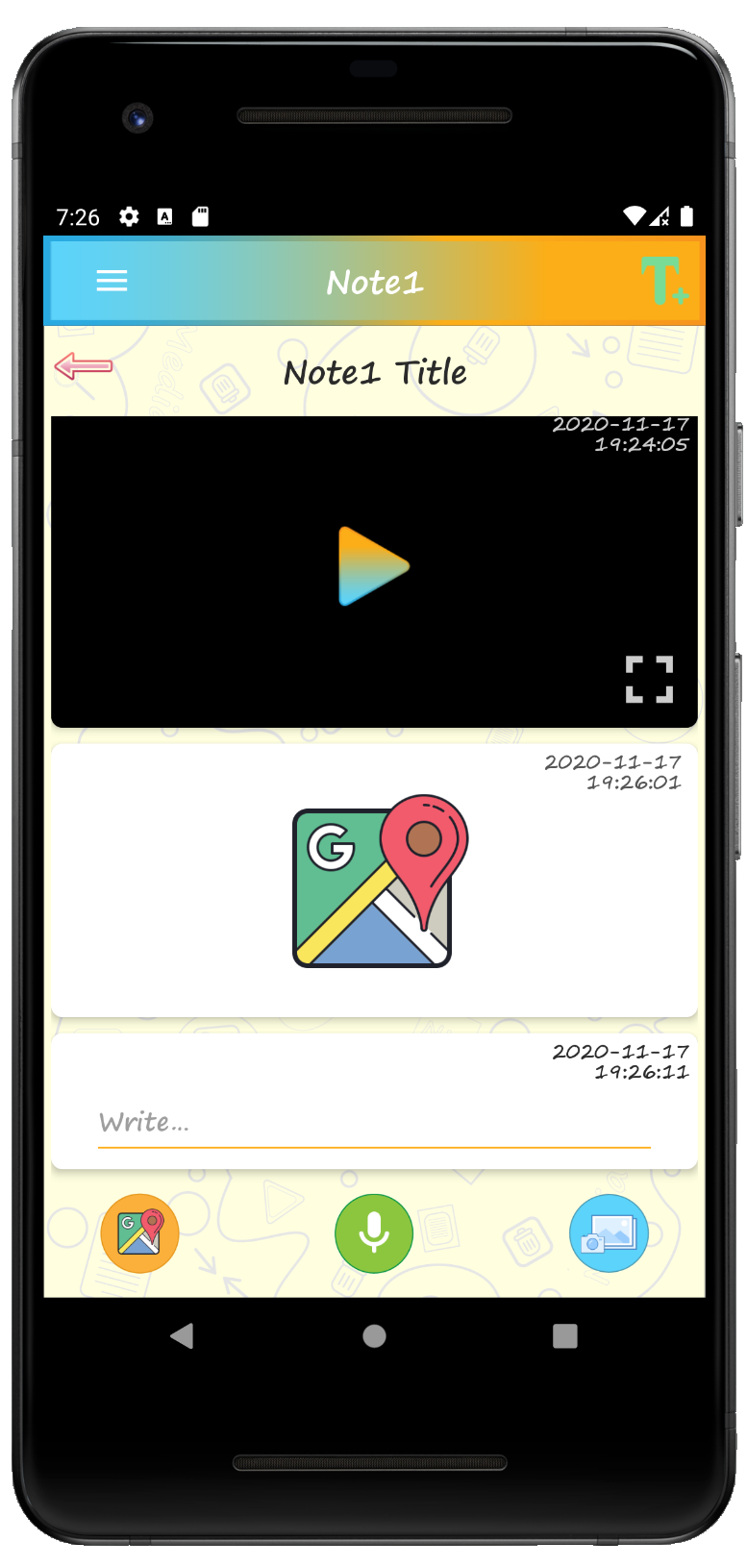
Audio Memos & Photos
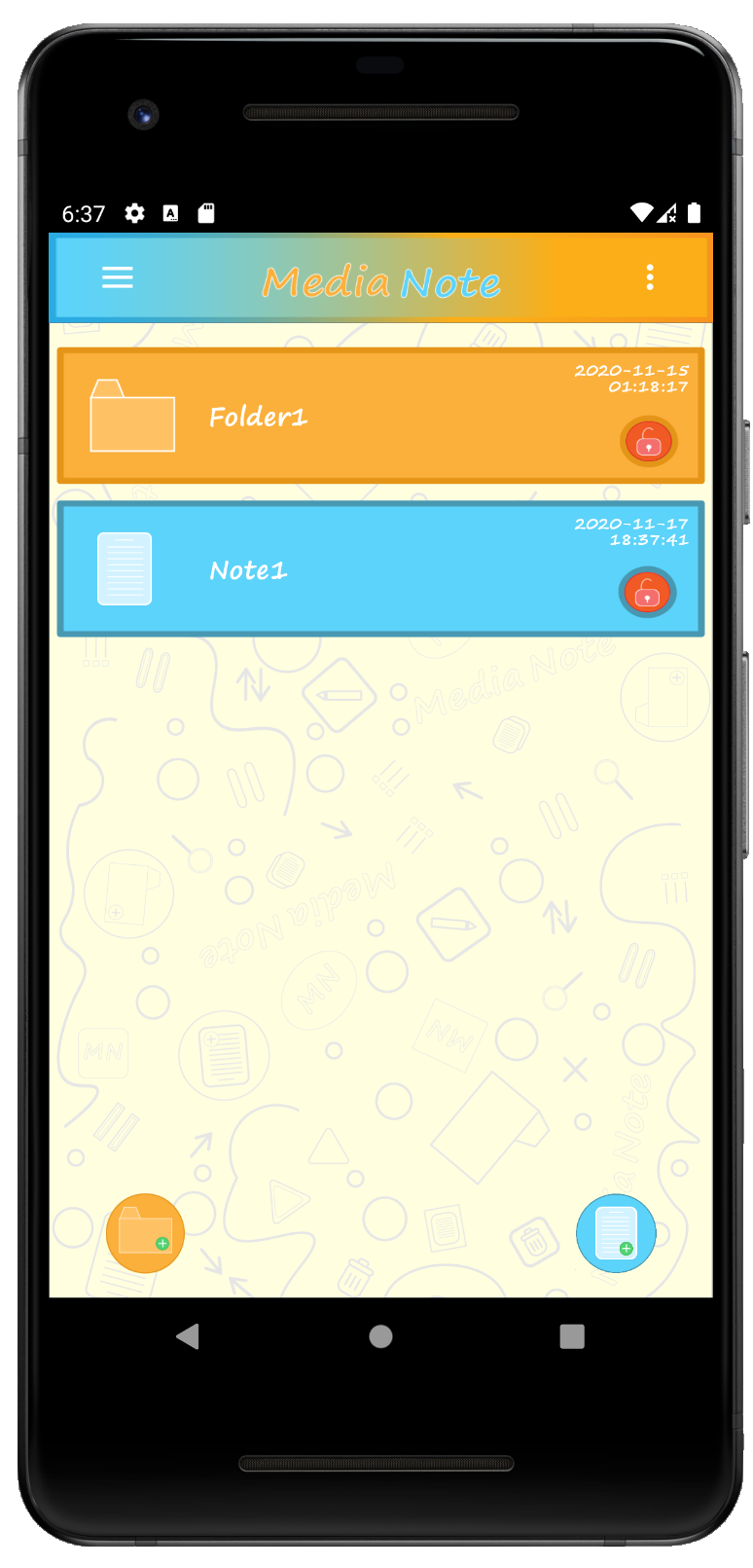
Folder Organizer & Root Screen
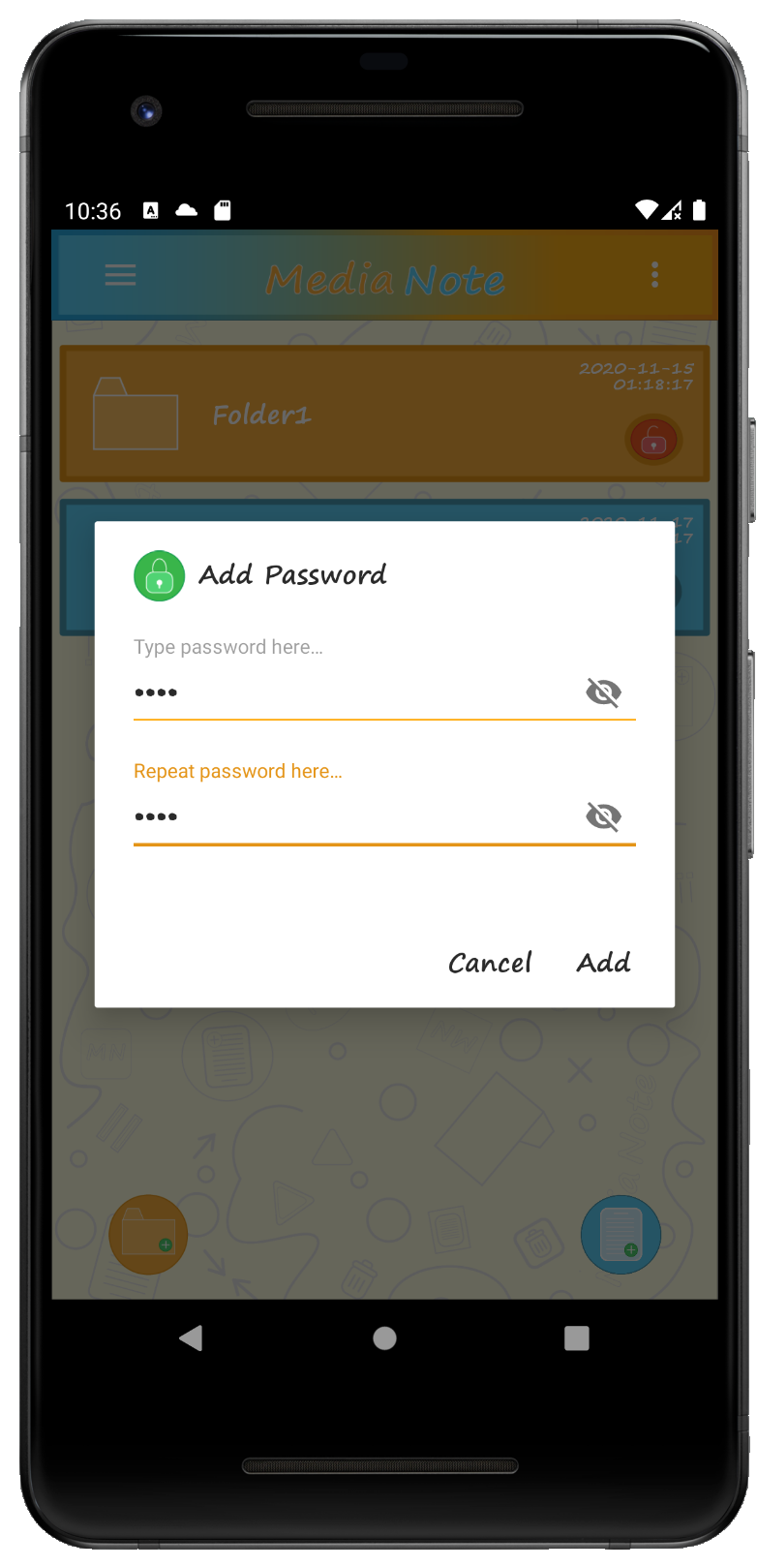
Password Protected Lock
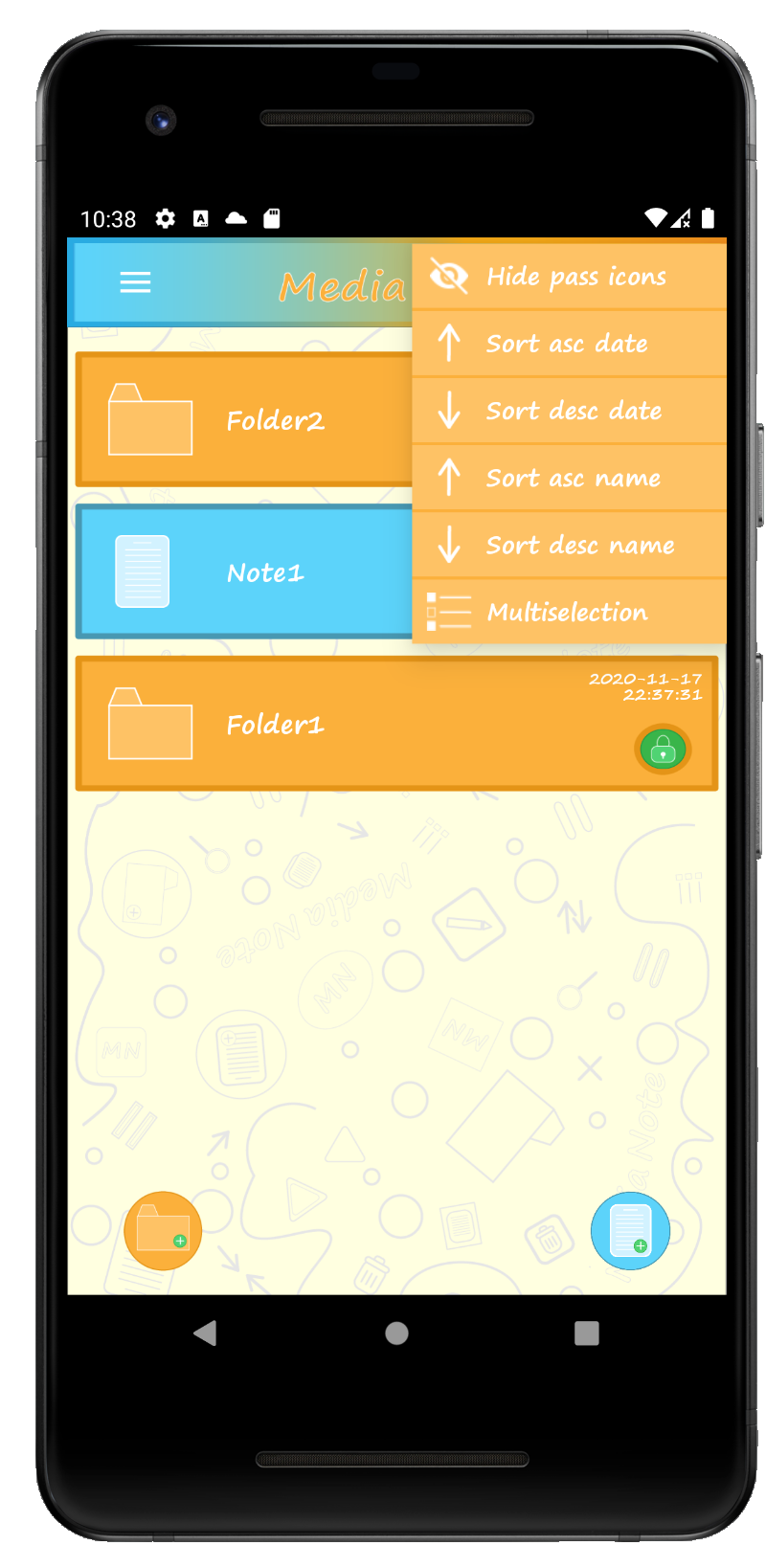
Context Menu & Batch Actions
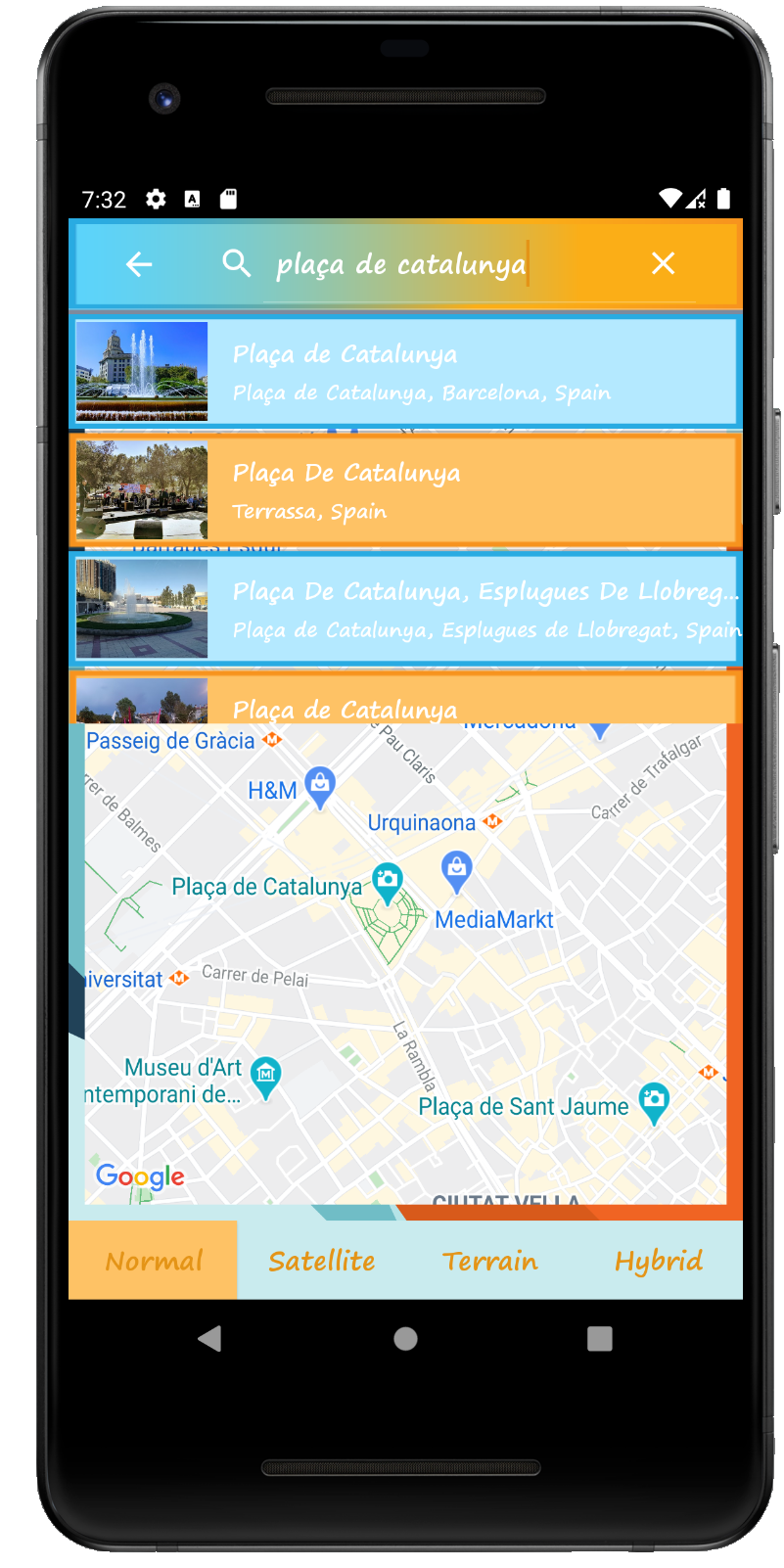
Google Maps Search
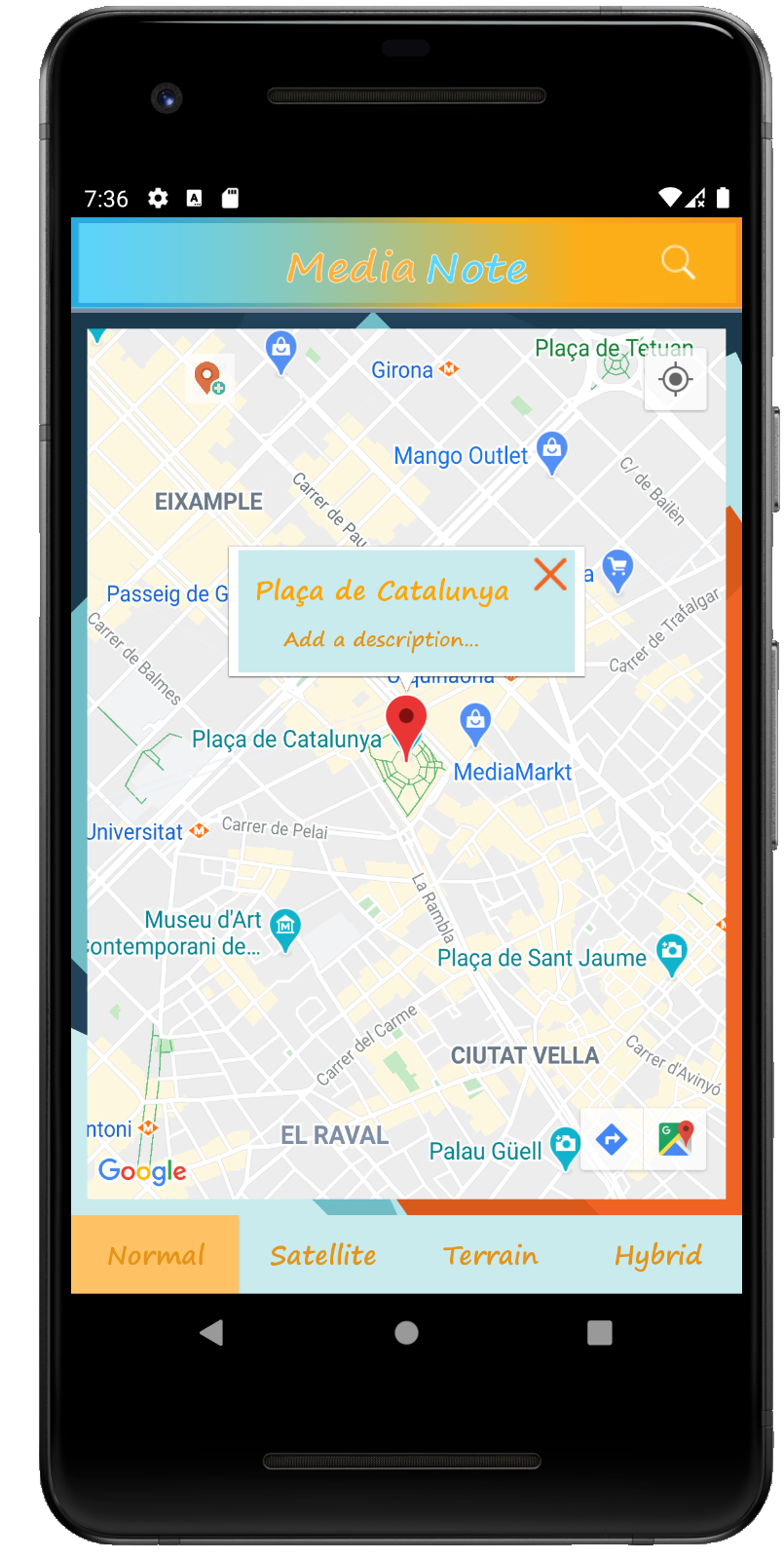
Custom Interactive Markers
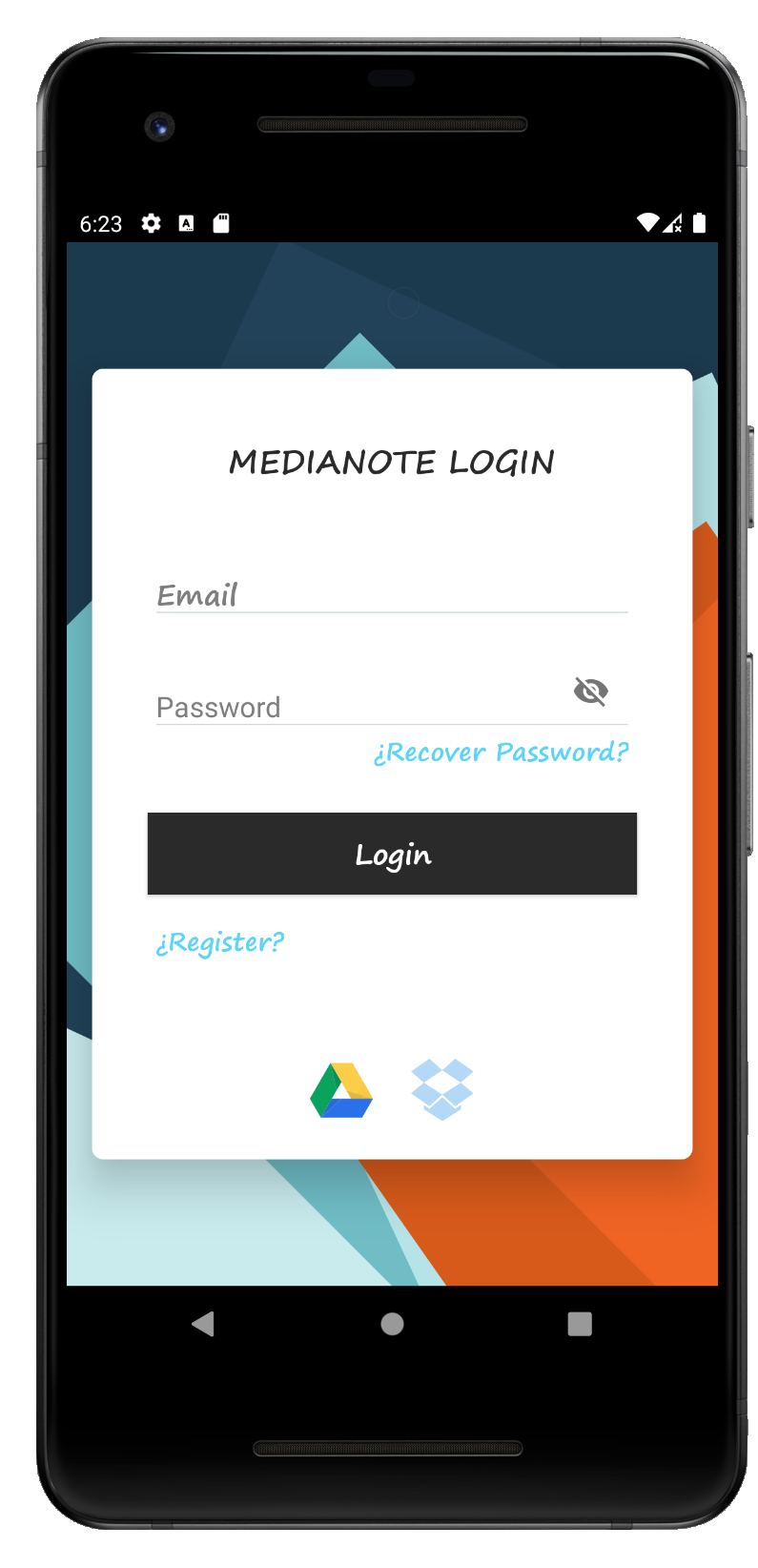
Fast & Secure Google Login
Have questions about MediaNote?
Find clear answers below about offline capabilities, storage, privacy safeguards, and cloud backup.
Yes, 100%. You can compose notes, manage checklists, take photos, record audio memos, and organize folders without an internet connection or cellular coverage. As soon as your device connects to Wi-Fi or mobile data, MediaNote will automatically sync your changes to the cloud if you are logged in.
When signing in with your Google account, MediaNote securely connects to your personal Google Drive to store larger media files (photographs, audio recordings, and video clips). This means you retain complete ownership over your files, and you can access them across multiple Android devices using the same login.
MediaNote enables you to set dedicated password or PIN protection for entire folders as well as individual notes. Content remains hidden and encrypted until the correct password is provided, preventing unauthorized access by anyone holding your device.
Yes! MediaNote is free on Google Play for all Android users. There are no mandatory recurring monthly subscription fees to enjoy core multimedia note-taking and organization features.
Yes. Inside each note you can choose to publish your note to the public MediaNote community feed for discovery, or generate a collaborative sharing link to send directly to other users via in-app chat with view or edit permissions.
Support the continuous development of MediaNote
MediaNote is a free, independently crafted application built with dedication, free from mandatory monthly subscriptions and data tracking. If MediaNote makes your daily routine or work easier, consider buying a coffee. Every contribution directly helps finance cloud server infrastructure, storage backups, and regular feature updates.